 TTD Pilgrim Mitra
Free · Private · On your device
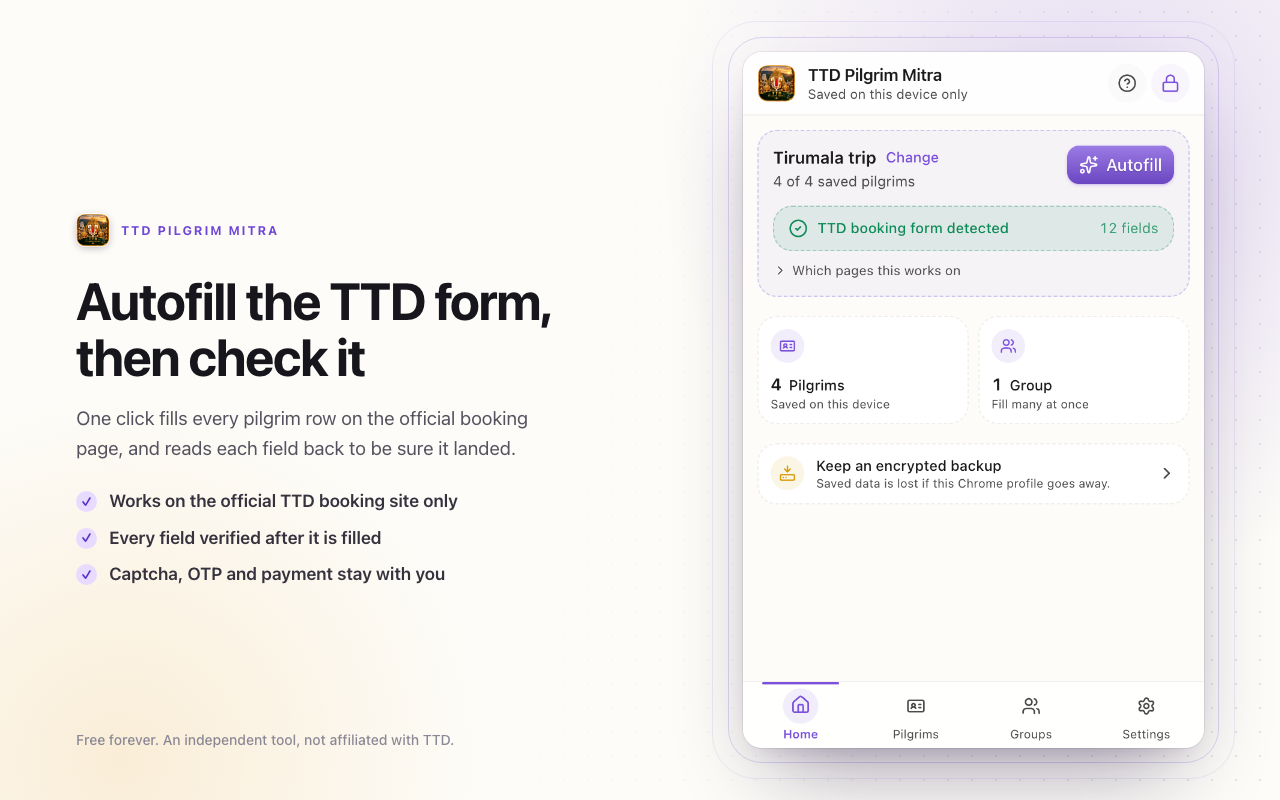
Save your family once. Fill the TTD form in a few pastes.
A Chrome extension that keeps your family's pilgrim details encrypted on your own computer and types them into the official TTD booking form when you ask it to. Nothing is sent anywhere.
- No account
- No analytics
- No server
- Free forever
What it does
Save each pilgrim once
Name, age, gender, photo ID proof and number, kept for every trip after this one.
Fill the whole family
Group the people who travel together and every row on the form gets a button in each box.
Check its own work
Each field is read back after it is written, and you are told what actually landed.
What it never does
- Send pilgrim details anywhere. There is no account, no server and no analytics.
- Enter an OTP or solve a captcha. Those stay yours, by design.
- Choose your date, slot or ticket count, press Continue, or pay for anything.
- Improve your chances of getting a ticket. It types faster, that is all.
How your details are kept
- Encrypted on this device from the first save, using the browser's Web Crypto. There is nothing to set up and no account to make.
- Want this browser to ask before it shows anything? Turn a PIN on in Settings. You get a recovery key once, and it is the only way back in if the PIN is forgotten.
- Backups are encrypted files written only when you ask for one, with a password you choose for the file, to wherever you choose.
- Three permissions and one website. Nothing else is requested, and no other page is read.
Where it works
TTD's own booking sites, ttdevasthanams.ap.gov.in and tirupatibalaji.ap.gov.in, and their subdomains, on the pilgrim details step of a darshan, seva or accommodation booking. It is offered nowhere else.